
Build once, stamp forever
Template building blocks
Reusable blueprints with typed fields — create a structure once and spin up filled-in copies in seconds.
What you can do
Define a reusable blueprint with typed fields.
Create new items from it with a quick-entry dialog.
Use connected content, multiple-item inputs, and conditional choices where the structure needs them.
Keep everything you create consistent by construction.
Turn a proven structure into a repeatable starting point
A Template keeps the fields, defaults, and connected inputs behind a frequently created item. People fill in what changes while the structure stays consistent.
Eliminate repetitive work
Define the fields and defaults once, then start each new item from the same useful structure.
Create through quick entry
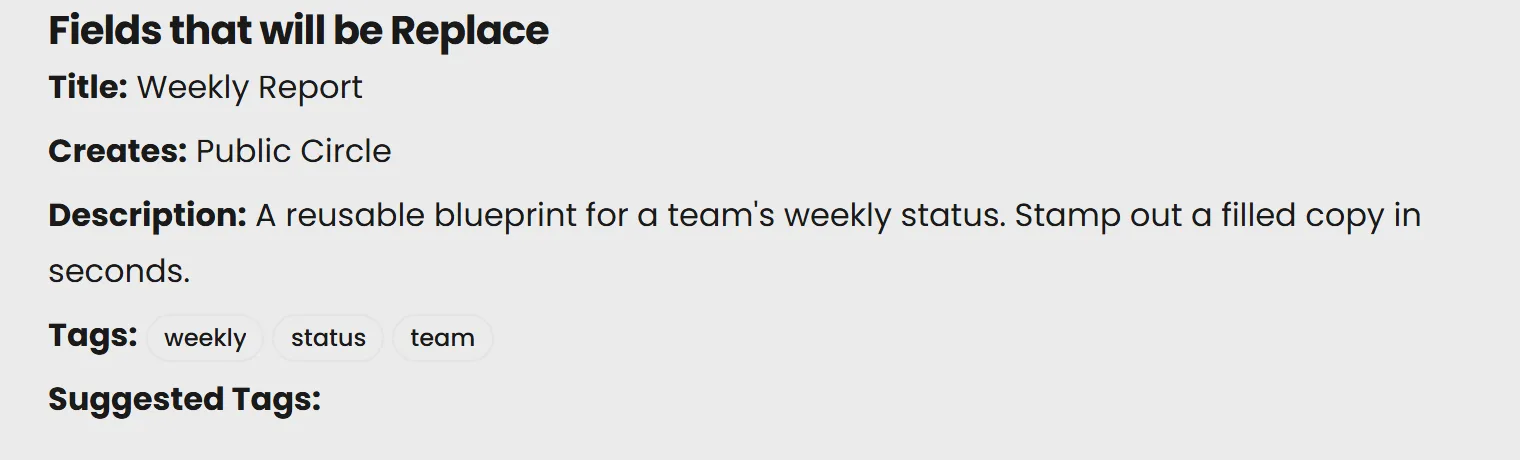
Fill the template's typed fields in a focused dialog and create the resulting Circle without rebuilding its setup.
Use richer reusable inputs
Include connected content, ordered multi-item selections, and conditional choices when the structure calls for them.
Keep created work consistent
Use the same field names, defaults, tags, and content pattern across every item created from the Template.
Your quick-start plan
Pick your content
Choose the kind of reusable item this Template should create.
Define your defaults
Decide which fields auto fill each time - like dates, usernames, or tone.
Create and go
Start producing content in just a few clicks.
Keep the useful structure
Create the next item through quick entry, then keep the result as an independent Circle that can be searched, shared, and reused.
See it live
It works with everything else you make.
Search it, place it on a Page, return to an earlier saved version, or select it as context for AI. Public items can also be shared or embedded. Learn this system once and every type works the same way.
See everything you can make