
Tasks that remember the whole job
Todo building blocks
Tasks with schedules, reminders, checklists, and direct links to the work they are actually about.
What you can do
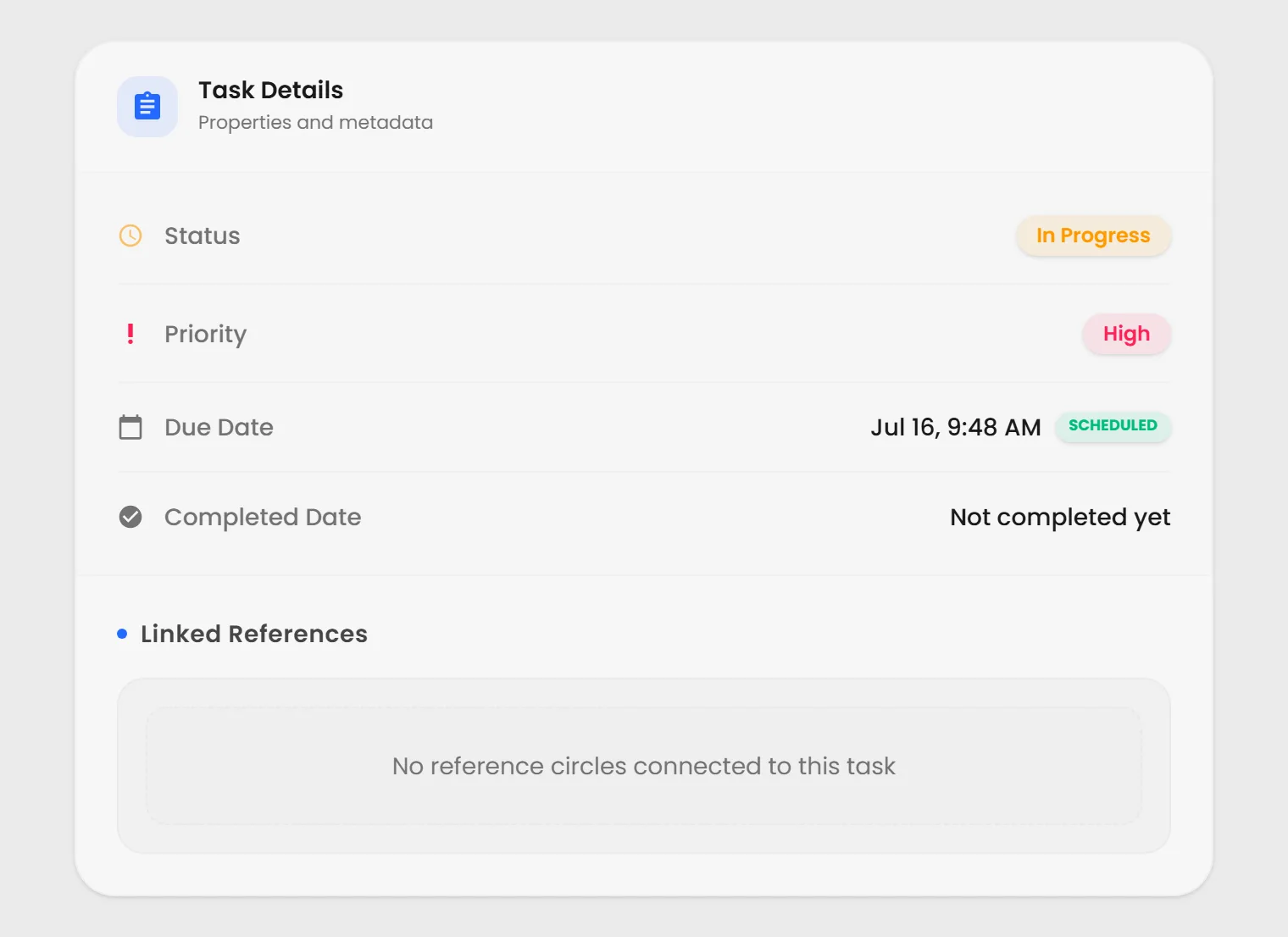
Track status, priority, assignee, due dates, and completed dates.
Repeat tasks on a schedule and get reminders before or at the due time.
Build reorderable checklists, link existing Todos, or promote a step into its own Todo.
Browse tasks as lists or a calendar, then filter them by text and tags.
Reference the work a task relates to, so its context is one click away.
Tasks that live with the work
A Todo is both a task and a reusable Circle. It can carry a schedule, reminder, checklist, assignee, and direct references to the work that needs attention.
What a Todo can carry
Plan the whole task
Set status, priority, assignee, due date, and completion details without separating the task from its context.
Repeat work on a schedule
Create recurring Todos that roll forward while keeping their schedule and linked context intact.
Get a reminder when it matters
Choose a due-relative or custom reminder and act on it directly from the notification.
Turn checklists into connected work
Add, reorder, and complete steps; link an existing Todo or promote a checklist item into its own Todo.
See the right tasks together
Browse lists or a calendar, search by text, filter by tags, and collect matching work in saved Searches.
Keep the source one click away
Reference the prompt, Page, file, or other Circle a task is about so people and AI can work from the same context.
The task, its earlier saved versions, and everything it touches stay findable in the same workspace.
It works with everything else you make.
Search it, place it on a Page, return to an earlier saved version, or select it as context for AI. Public items can also be shared or embedded. Learn this system once and every type works the same way.
See everything you can make